TapDecode for iPhone
01 · Confusing screen
How TapDecode works
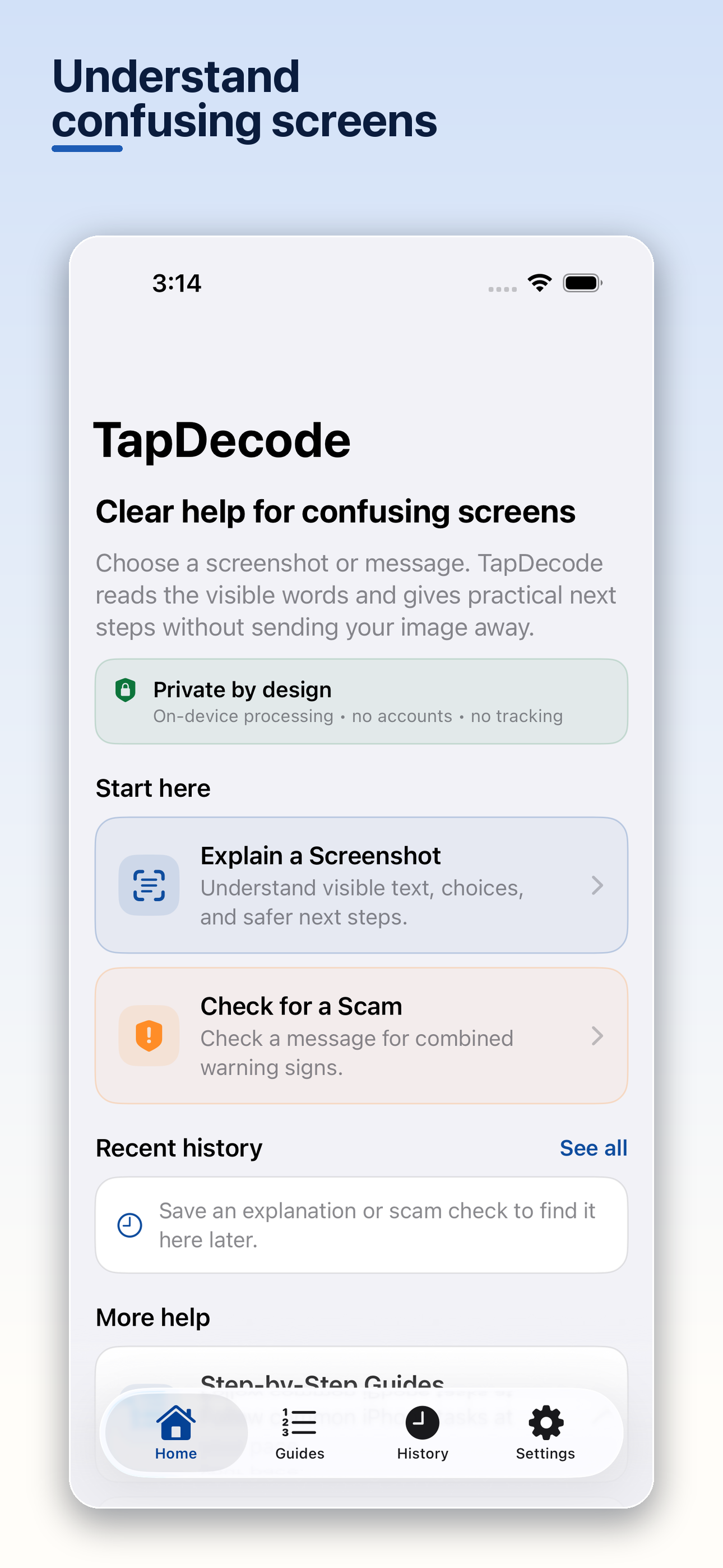
When the words on a screen are readable but the meaning is not, TapDecode helps turn that screen into a clearer next step.
Scroll to follow a real TapDecode session.
02 · Explain the visible text
Start with the words that are actually on screen.
TapDecode reads visible text from a screenshot, explains its likely meaning, and names what it cannot verify. Scroll position controls the real-capture transition beside this explanation.
03 · Practical next steps
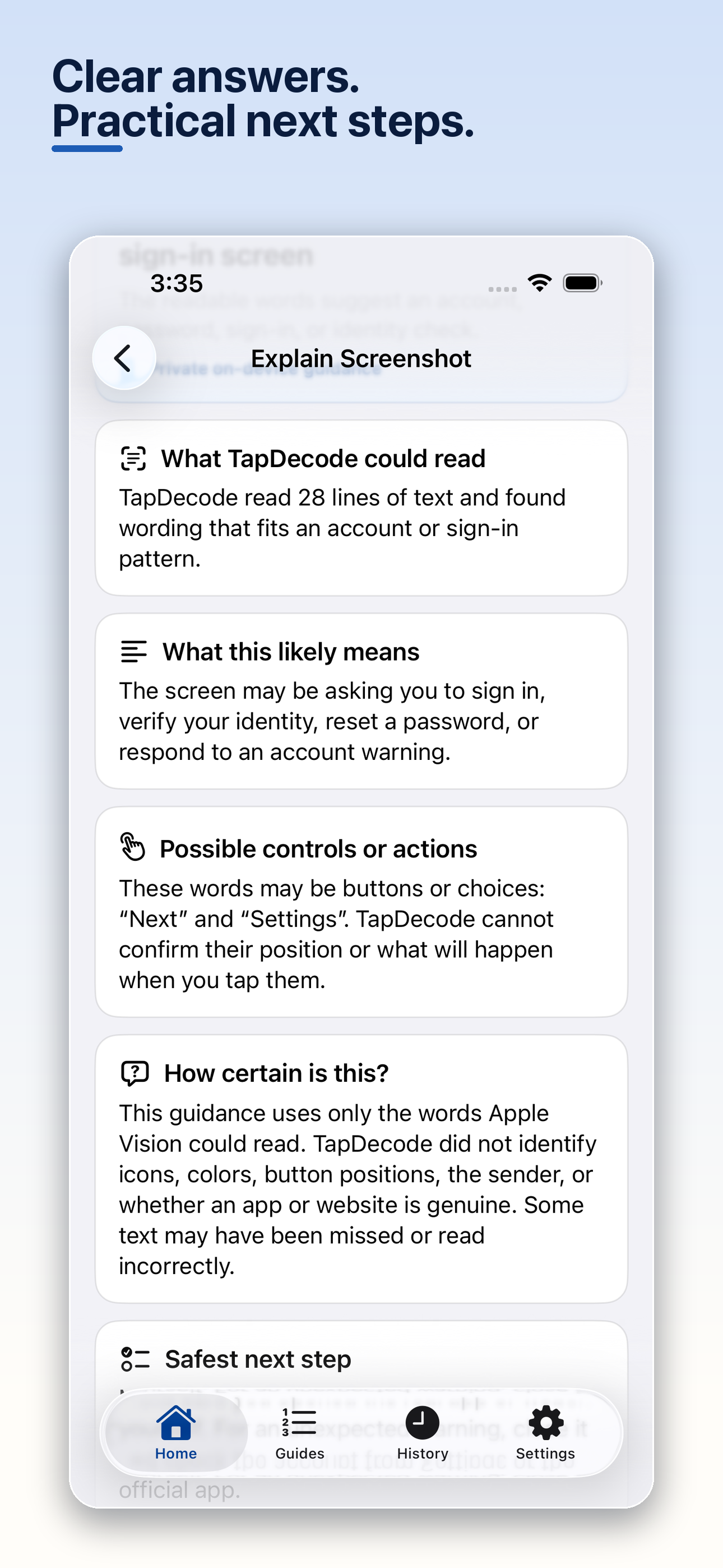
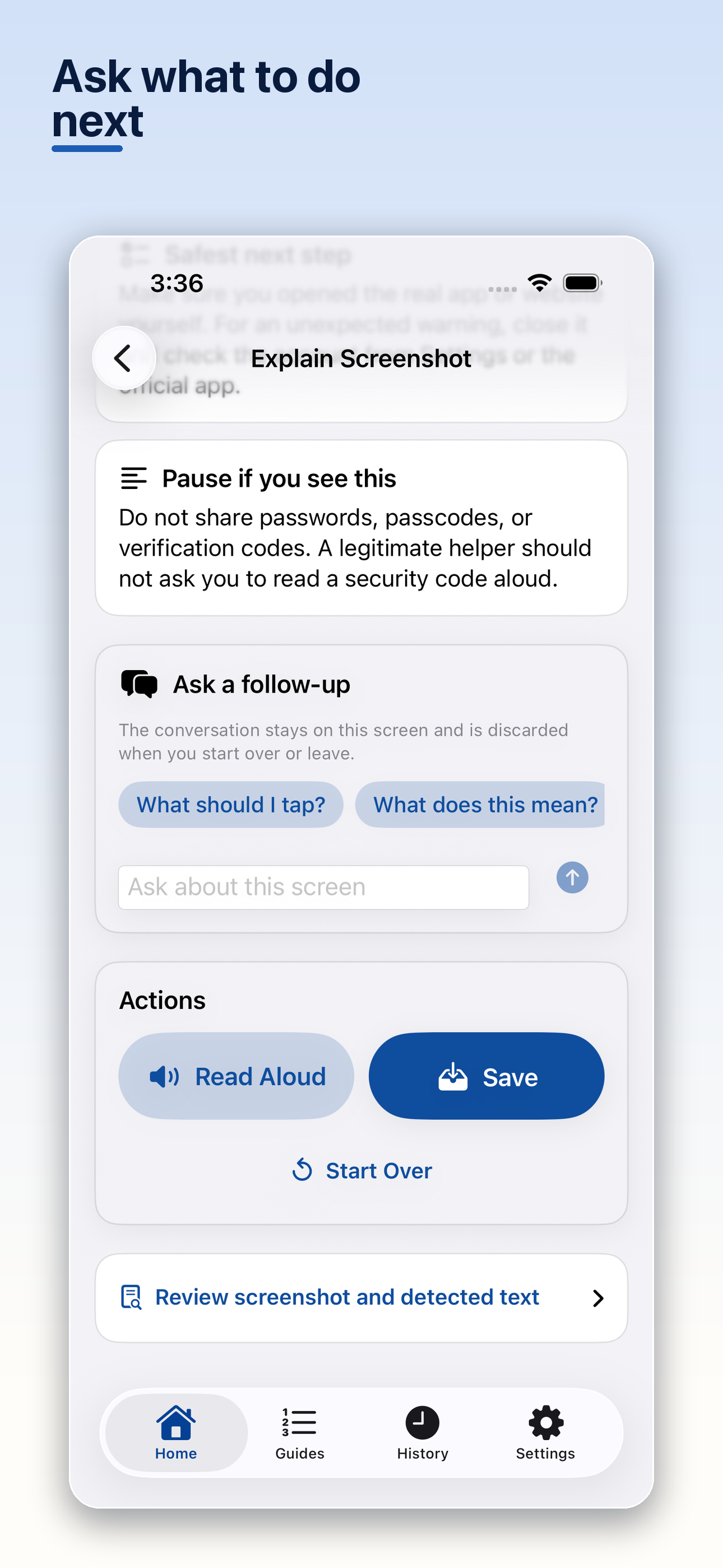
An explanation should lead somewhere useful.
The result separates likely meaning from uncertainty, suggests a safest next step, and lets the user ask a follow-up when more context is needed.
05 · Understand why it looks risky
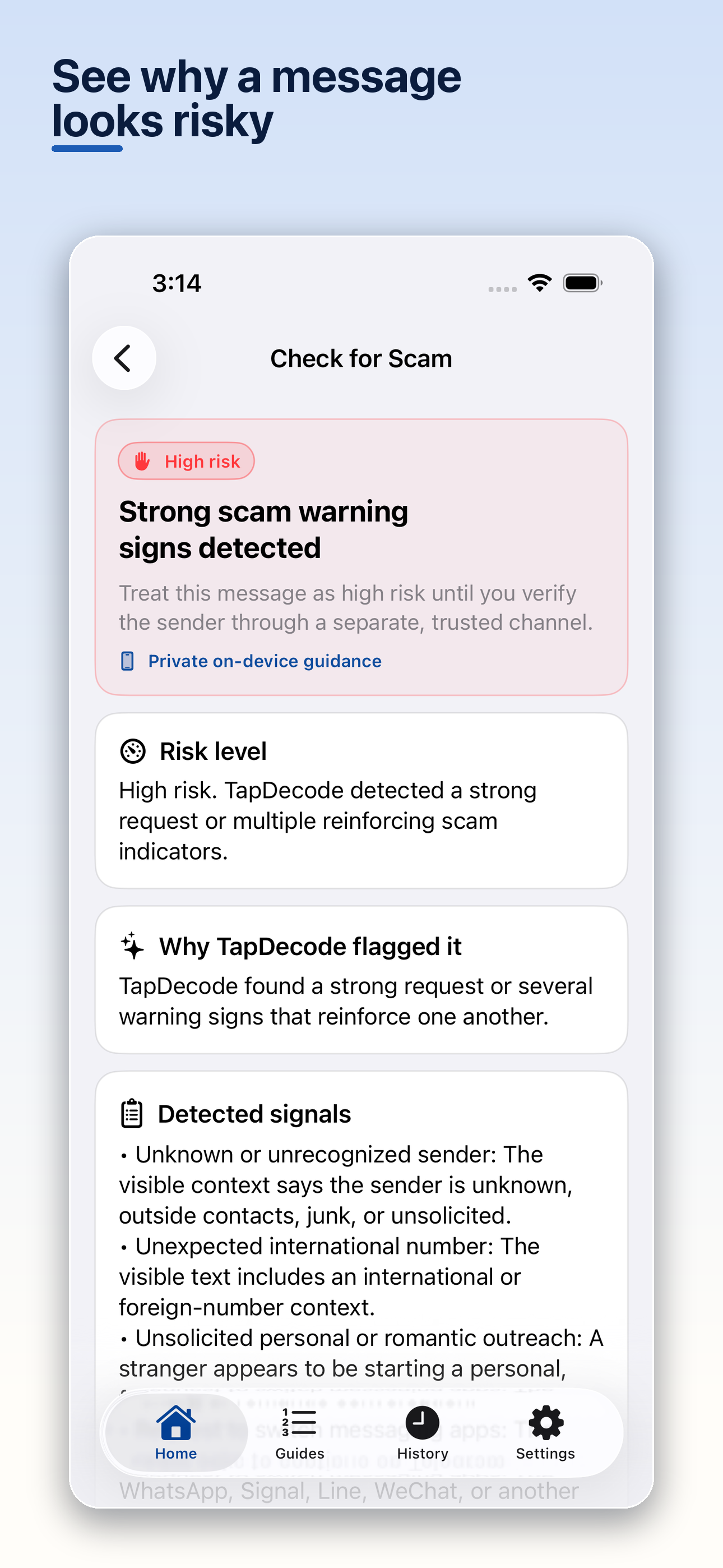
See the reason, not just a verdict.
TapDecode shows a risk level, the warning signs it found, and a safer action such as verifying the sender through a separate trusted channel.
06 · Private, on-device guidance
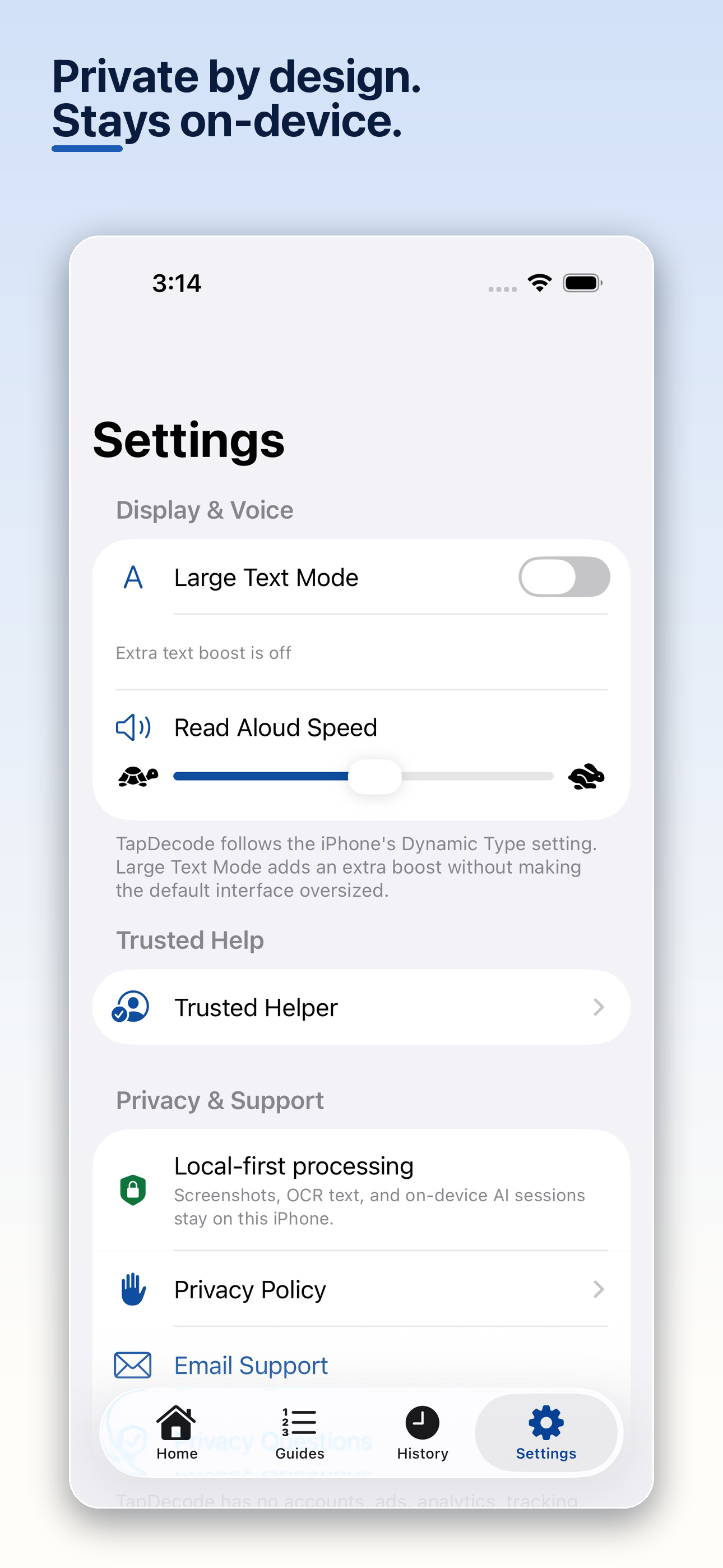
The screenshot stays on the iPhone.
TapDecode processes screenshots, recognized text, and on-device AI sessions locally. The app requires no account and includes no tracking.
TapDecode
07 · Get TapDecode
Clearer guidance, ready when you need it.
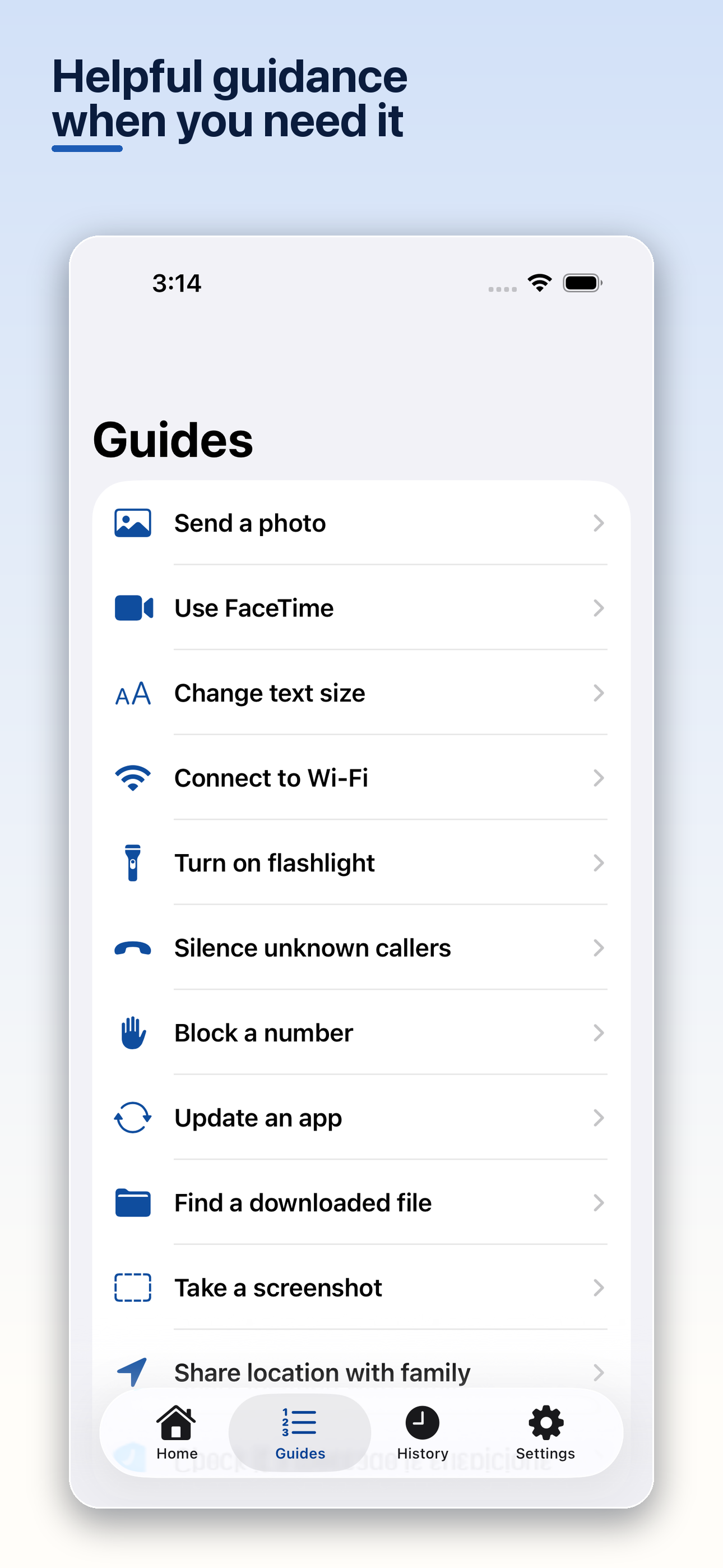
TapDecode also includes step-by-step iPhone guides alongside its screenshot explanation and suspicious-message checks.
Get TapDecode — $4.99 on the App Store